
How to Choose the Best eCommerce Development Platform
Compare platforms by workflows, architecture, integrations, cost, and ownership.
The best eCommerce development platform is the one that supports your essential customer and operational workflows with acceptable cost, risk, and ownership. A universal ranking cannot account for your catalog, pricing, integrations, team, regions, or transaction model.
Use platform selection as an architecture decision, not a popularity contest. An architecture and strategy assessment is a delivery service for teams that need to turn these comparison criteria into a decision and roadmap.
Define requirements as scenarios
Replace broad requirements such as “B2B,” “international,” or “scalable” with testable scenarios. Describe who acts, what data is needed, which rules apply, what success looks like, and what happens when a dependency fails.
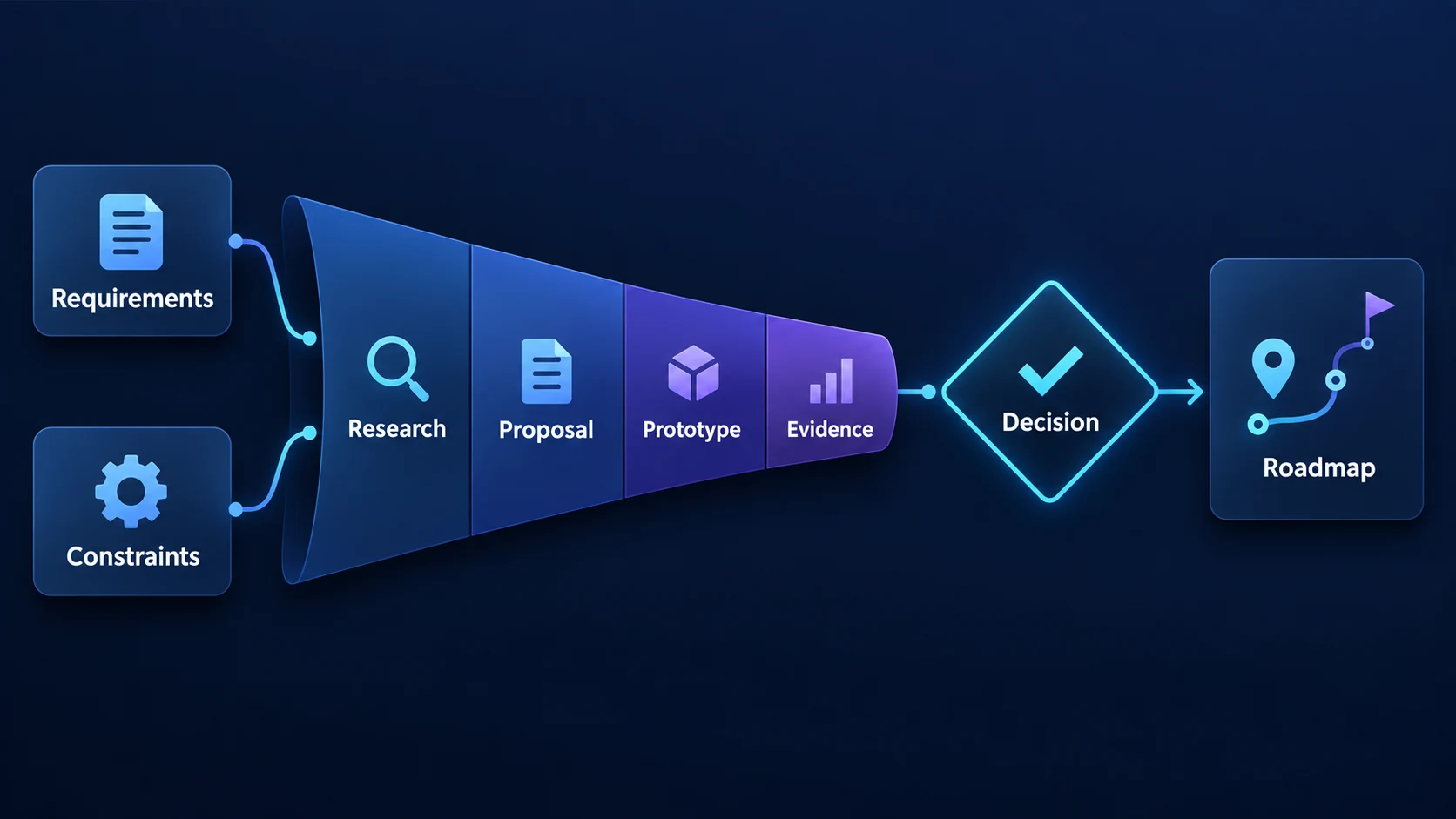
Cover catalog, search, pricing, promotions, checkout, payment, tax, shipping, returns, accounts, content, reporting, and administration. Include expected data volume, traffic patterns, languages, currencies, and compliance constraints.
Compare the main approaches
Hosted SaaS platforms
Shopify and BigCommerce provide managed infrastructure and mature commerce functions. They can reduce launch and operational effort, but impose platform boundaries, recurring costs, and ecosystem dependencies.
Open-source platforms
Magento and WooCommerce provide greater code and hosting control. They also require stronger ownership of security, performance, upgrades, and deployment.
Composable commerce
Composable systems combine selected storefront, commerce, content, search, and operational services. They can support differentiation and independent change, while increasing integration and observability needs.
Custom development
Frameworks such as .NET, Django, Laravel, Node.js, or React can support custom commerce software. A framework is not a commerce platform: the team must supply or integrate catalog, cart, pricing, checkout, payment, order, administration, security, and operational capabilities.
Use weighted selection criteria
Score only criteria that affect the business:
- fit for core workflows and exceptions;
- integration and data-ownership requirements;
- storefront and content flexibility;
- B2B, multi-region, or marketplace needs;
- security and compliance responsibilities;
- performance and availability requirements;
- merchant and operational usability;
- internal and external team capability;
- implementation and migration risk;
- three-to-five-year total cost of ownership;
- portability and exit options.
Weighting prevents an impressive but low-value feature from compensating for failure in a critical workflow.
Prototype the risky parts
Do not prototype only the homepage. Test customer-specific pricing, complex variants, checkout customization, ERP synchronization, international catalog behavior, or peak-load APIs—whichever requirements are most uncertain.
Ask vendors to identify assumptions and platform limits. A recommendation is more credible when it explains why another option was rejected.
Calculate total ownership cost
Include licenses, transaction fees, applications, hosting, search, development, integrations, migration, security, upgrades, monitoring, support, and internal administration. Estimate the cost of manual work and constrained future changes as well.
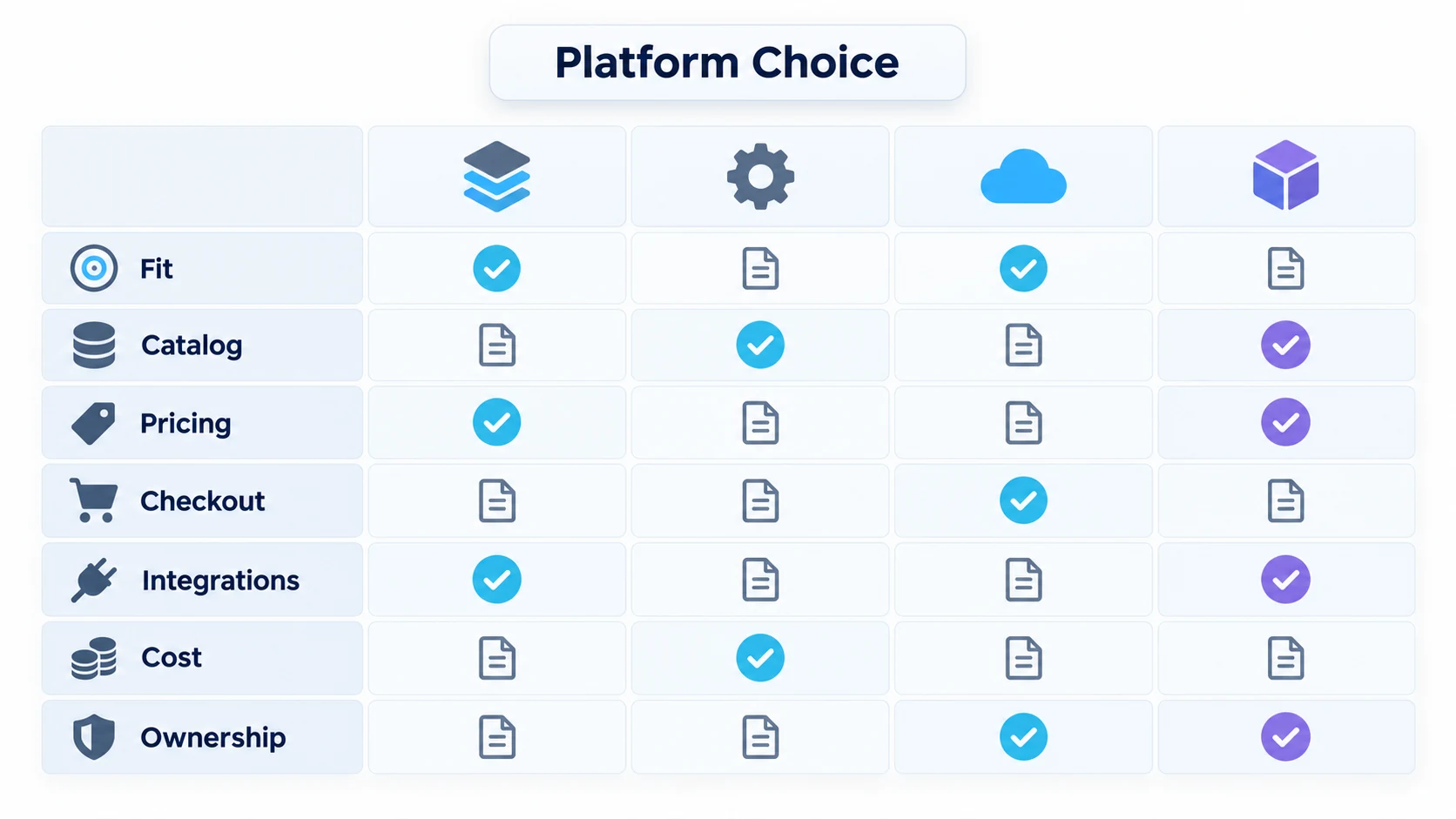
The cheapest implementation can become expensive if it depends on many overlapping applications or repeated workarounds. The most flexible system can also be wasteful if the organization cannot operate it.
Avoid common selection mistakes
- choosing from a feature checklist without testing workflows;
- selecting technology before defining business rules;
- treating “headless” or “custom” as automatic improvements;
- underestimating product data and migration;
- ignoring merchant experience and operational support;
- comparing initial quotes instead of total cost;
- accepting scalability claims without workload evidence.
Include operations in the evaluation
Ask merchants, support, finance, fulfillment, and content teams to perform realistic tasks in shortlisted systems. Test failed payments, inventory conflicts, partial refunds, returns, overlapping promotions, integration outages, and customer-data requests—not only successful purchase.
Document who will own configuration, code, applications, releases, security, data, integrations, and vendor escalation. A technically capable platform can still be wrong when the organization cannot operate it sustainably.
Make a defensible decision
Shortlist two or three realistic approaches, run scenario-based demonstrations or technical spikes, verify references, and document the decision. Include conditions that would trigger a future architecture review.
Flexor’s commerce platform development and selection work includes platform assessment, architecture, implementation, and integration. See all eCommerce development services and learn about the team.
Platform comparison by operating model
| Criterion | Shopify | BigCommerce | Magento/Adobe Commerce | Custom/composable |
|---|---|---|---|---|
| Operations | Vendor-managed | Vendor-managed | Team or Adobe-managed | Team-designed |
| Customization | Moderate | Moderate to high | High | Highest |
| B2B complexity | Plan and app dependent | Native and extended options | Strong enterprise options | Designed to requirements |
| Best fit | Fast standard commerce | API-led managed commerce | Complex configurable commerce | Distinctive operating model |